
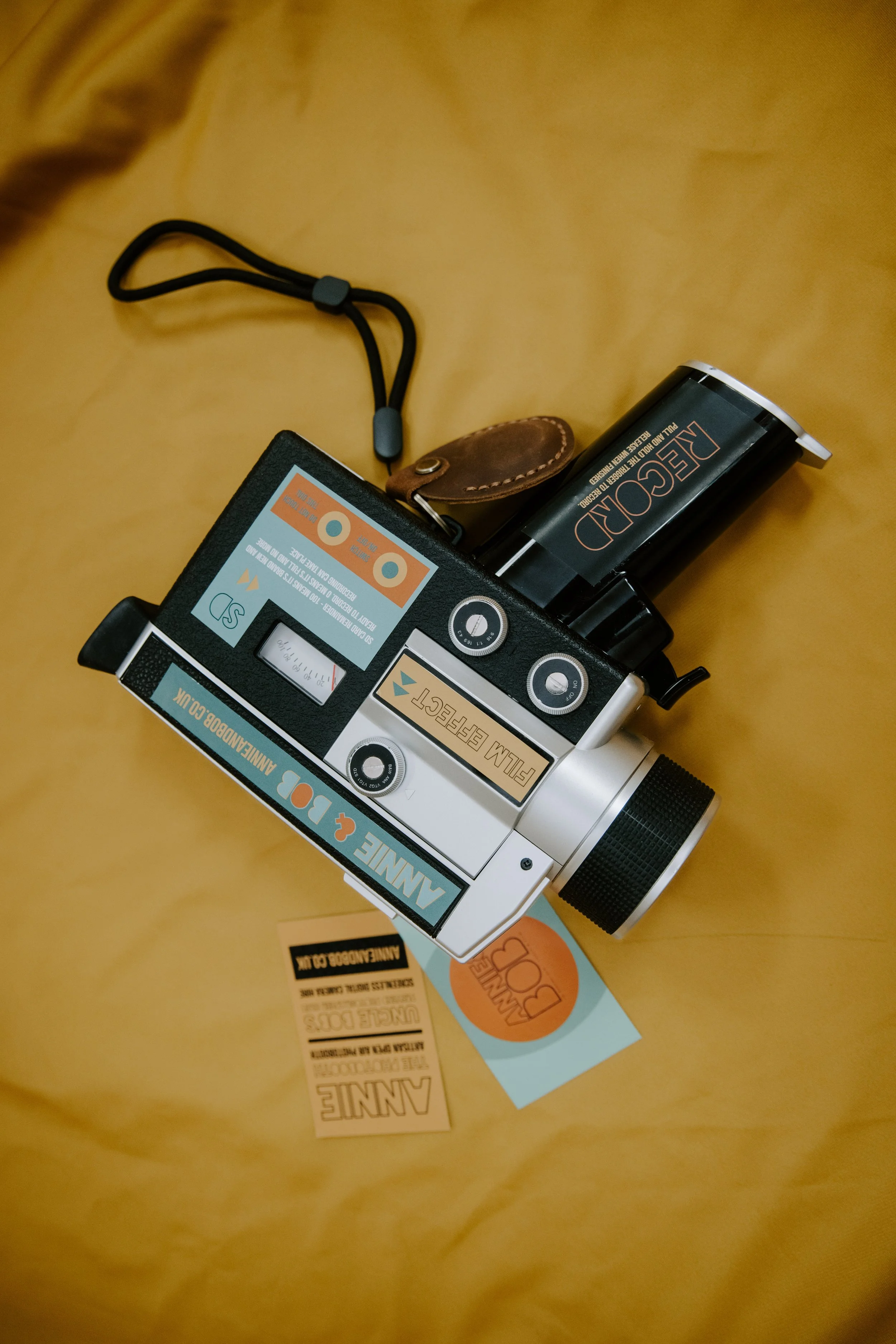
SUPER 8 CAMCORDER
HOW TO USE:
Turn the on/off dial to on, look through the viewfinder press and hold the trigger (like a gun) to record. Give yourself a second before it kicks in,
You’ll see a little red record light on the screen in the viewfinder which will indicate recording. Once you’ve finished recording, simply let go of the trigger.
You can choose from 5 different vintage filters to video in.
b&w - black and white
ana - super 8 vintage feel
vtg1 - vintage effect 1
vtg2 - vintage effect 2
std - standard (as seen)
SD card remainder - shown on one side (100 is empty, 0 is full)
Battery - shown on the other side (100 is full, 0 is empty and needs charging)
To zoom in press t, to zoom out press w