
POINT AND SHOOT PRO
BOBMEISTER’S SPECIAL
HOW TO USE:
VIDEO TUTORIAL
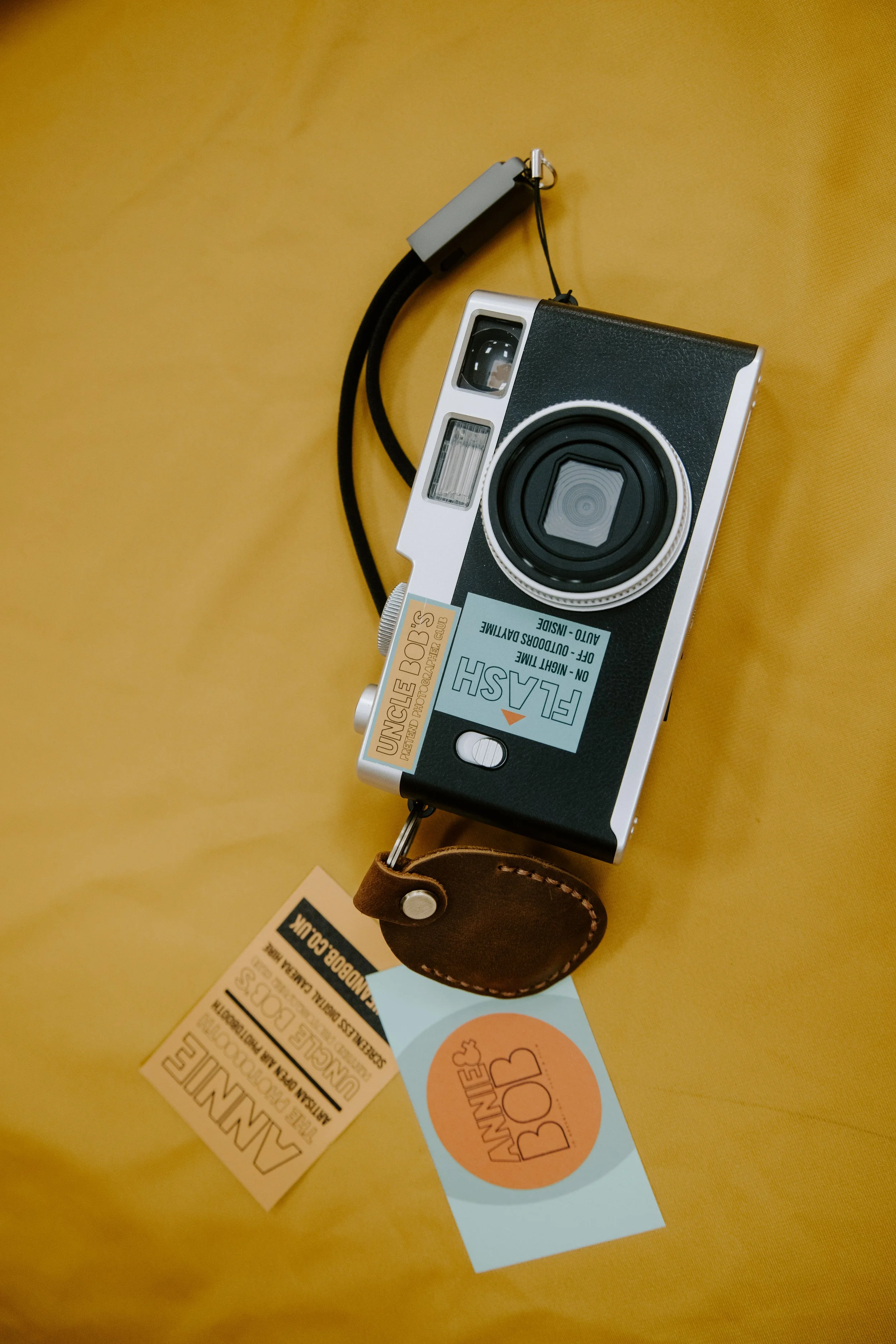
Press and hold the top button on the top of the camera for approximately 4 seconds until the red digital numbers appear on the back.
This is your digital counter. Each camera holds 999 photos. Every time you take a photo the camera will record a number.
To take a photo hold the camera still, look through the view finder and press the top button until you hear the shutter sound.
Don’t move too fast when taking photos or try to capture too much movement as they will be blurry.
Once you’ve finished with the camera please switch it off by pressing and holding the top button until it beeps and the digital counter is turned off.
If it’s getting dusky or dark, turn the flash to on.