
FUJIFILM INSTAX
HOW TO USE:
TROUBLESHOOTING
VIDEO TUTORIAL
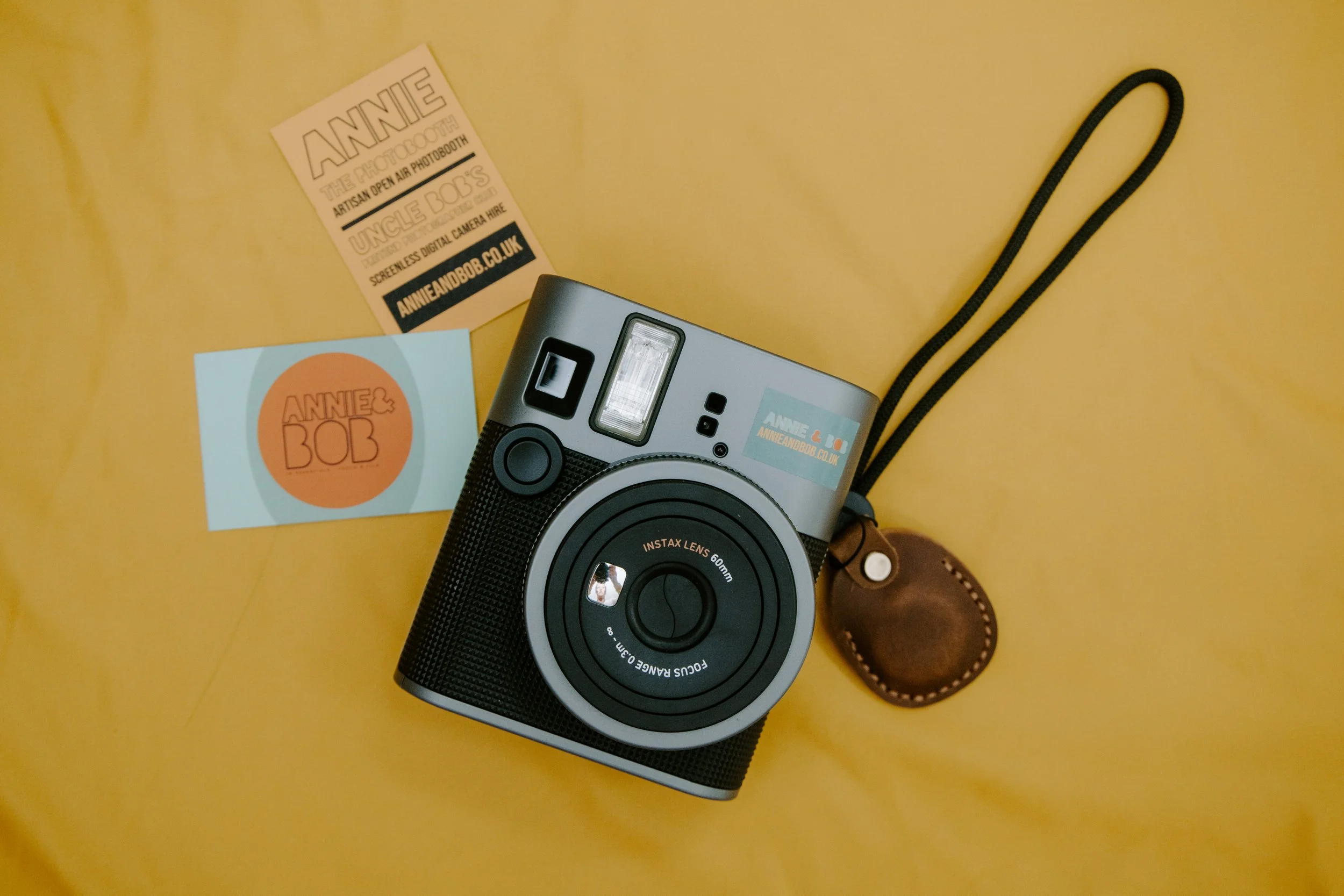
Turn the lens to the orange on position, the lens should become larger (aye aye) and the orange light should appear.
Look through the view finder on the top right at the back of the camera, aim it at your victim(s) and press the black button onthe front right of the camera, next to the lens.it will make a god awful noise and eventually spit out a print.
Place the print somewhere dark (pocket, or face down on a table) for about 5 minutes until fully developed.
To change the print cartridge, open the back of the camera (you’ll see an orange tab) slide down and open the cassette. remove the black plastic casette from the camera and put in the bin provided.
Unwrap a new casette, line up the yellow line on the casette and the camera, close, switch on and take one photo (of anything) to release the test print.
This will be blank, dispose of this in the bin and start shooting.